All in one Scan

Separated model

Unseparated model

Impression

All in one

Scanbody

How to scan the abutment with Lab Scanner LS100?

All in one Scan: You can select this mode for half-model models. The maxillary and mandibular half-model models, and dies can be scanned at the same time.
Scanning process: Occlusion Scan—— All in one Scan —— Alignment ——Mark  upper/lower jaw——Completed
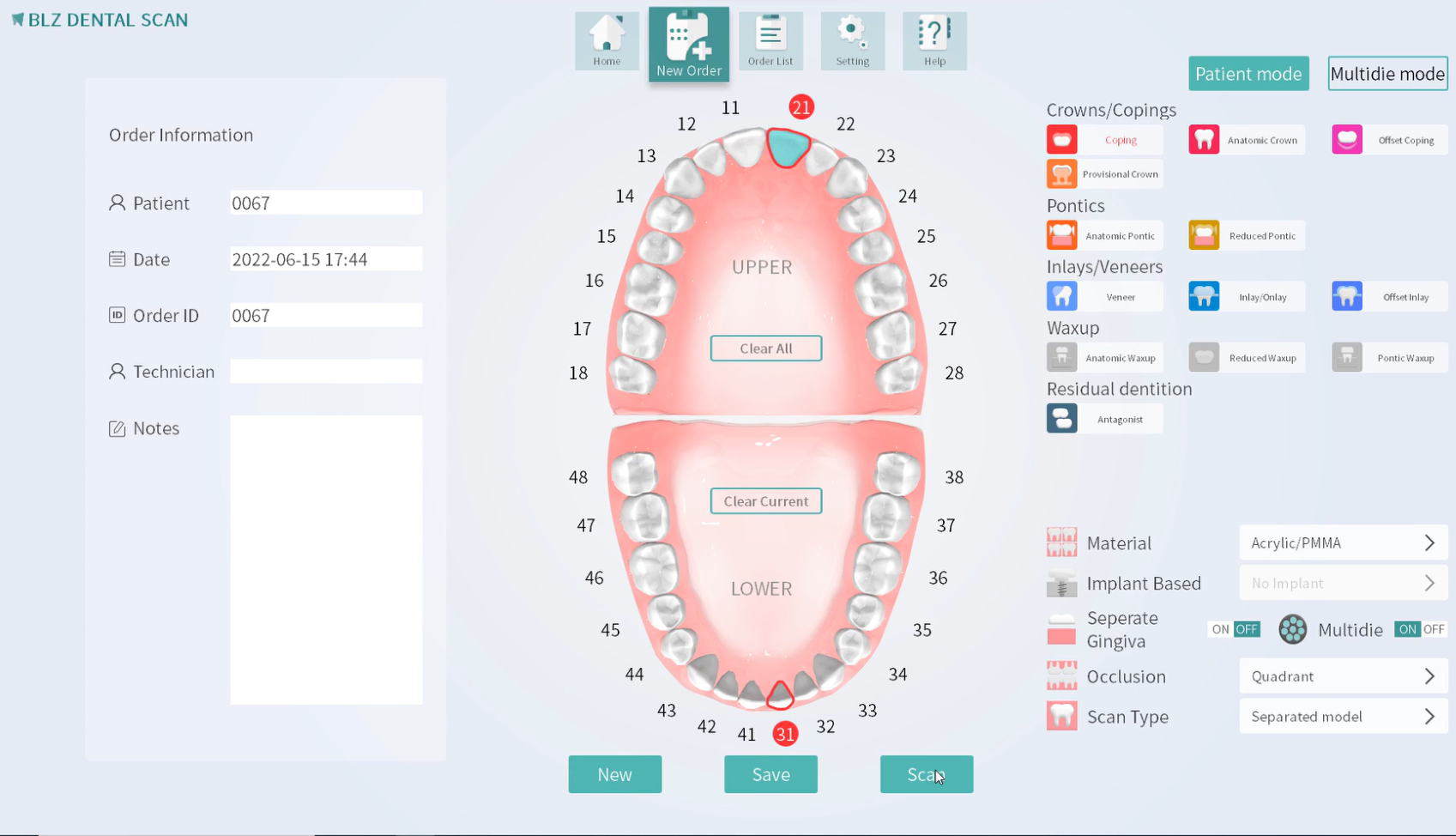
1. Fill in the information. Choose “Quadrant ” for occlusion type and “Separated model” for scanning type.

Intraoral Scanning Impressions vs Traditional Impressions
2.Occlusion Scan.
BLZ-Support-Scan strategy-4 in 1 Scan
3.All in one Scan.
BLZ-Support-Scan strategy-4 in 1 Scan
4.Alignment.
BLZ-Support-Scan strategy-4 in 1 Scan
5.Mark upper/lower jaw.
BLZ-Support-Scan strategy-4 in 1 Scan
6.Completed.
BLZ-Support-Scan strategy-4 in 1 Scan